
MFA Explained: The Easiest Way to Secure Business Logins
4 min read
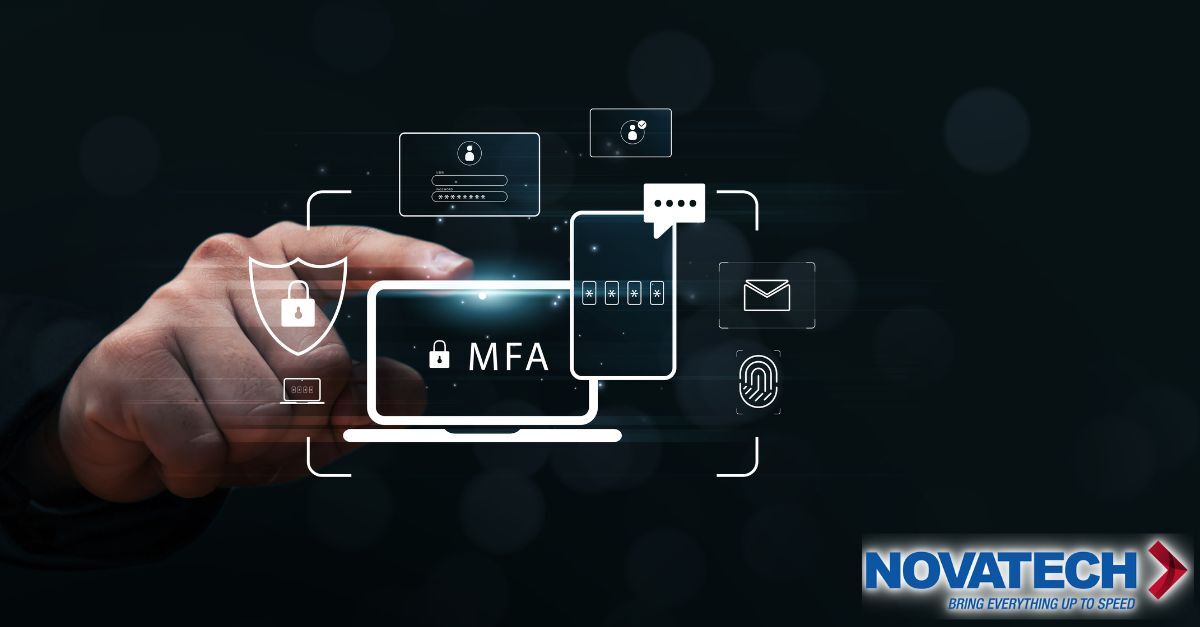
Multi-Factor Authentication (MFA): The Simple Upgrade That Stops Most “Wrong Person” Logins
If your business uses email, Microsoft 365, Google Workspace, payroll, banking, or any cloud app, you already have a front door. The question is whether that door has a deadbolt.
Multi-Factor Authentication (MFA) is the deadbolt.
It is not flashy. It is not exciting. But it is one of the highest ROI security moves a company can make because it blocks the most common way criminals get in: stolen passwords.
This article explains what MFA does, why it matters, and what your business gains from it—plain and simple.
The real problem: passwords are easy to steal and reuse
Most cyber incidents don’t start with someone “hacking a server” like in a movie. They start with a login.
Here’s how it usually happens:
-
A password is stolen in a breach elsewhere (a vendor, old website, or personal account).
-
An attacker tries that same password on your email or cloud tools.
-
Someone at your company reused it or used a similar version.
-
The attacker logs in, appearing like a normal user.
Once inside, they can:
-
Read invoices and change payment instructions
-
Reset passwords for other systems
-
Send convincing phishing emails from a real mailbox
-
Download sensitive files
-
Create hidden inbox rules to stay in control
If your security depends on “everyone uses strong passwords all the time,” you are betting the company on perfect human behavior. That’s not a good bet.
What MFA does in one sentence
MFA requires a second proof that you are really you—even if someone has your password.
Think of it like this:
-
Password = what you know
-
MFA = what you have (phone, authenticator app, security key) or what you are (biometrics)
Even if an attacker steals a password, they still cannot get in without that second proof.
WIIFM: What’s in it for your company?
1) Fewer “Oh no” mornings
MFA reduces the chance you wake up to:
-
A locked email account
-
A fake invoice paid to the wrong bank
-
A customer asking why your team sent a “DocuSign” link at 2 a.m.
It’s cheaper to prevent a mess than to clean one up.
2) Protection where it counts: email and cloud apps
Most businesses run on cloud identity now:
-
Microsoft 365 or Google Workspace
-
QuickBooks, payroll, CRM, ERP
-
Vendor portals and client file shares
MFA puts a guard in front of these logins. It protects what you use every day, not just a firewall in a closet.
3) Less fraud risk, especially invoice and wire fraud
Attackers often go after money quietly rather than deploying ransomware.
A common play:
-
Watch email threads about payments
-
Wait for the right moment
-
Swap banking details
-
Collect the payment
MFA makes it far harder to take over the email account in the first place.
4) Easier compliance conversations
Even if you’re not heavily regulated, you deal with:
-
Cyber insurance questionnaires
-
Vendor security reviews
-
Client security requirements
MFA is one of the first questions they ask because it’s simple and effective.
5) Higher confidence for leadership
CFOs and CEOs want predictability. MFA reduces the odds of a sudden, expensive incident that could derail operations, revenue, and reputation. It’s a risk-control decision, not just an IT preference.
“Won’t this annoy my team?” Only if it’s done poorly
Yes, MFA adds a step—but it’s one small step that removes a huge headache later.
When implemented correctly:
-
Users are prompted only when risk is higher (new device, new location, suspicious login)
-
Daily sign-ins stay fast and smooth
-
Most people adapt in just a few days
Without planning, MFA can create friction, help desk tickets, and complaints. That’s avoidable.
The most common MFA mistake: SMS code
Text-message MFA is better than nothing—but it’s not the best long-term solution. Criminals can sometimes steal text messages via SIM swapping or phone number takeover.
Best practices:
-
Use an authenticator app (push or code-based)
-
Use phishing-resistant methods like number matching where possible
-
Use security keys for high-risk users (finance, executives, IT admins)
MFA should reduce risk—not create a false sense of safety.
Who should be first in line for MFA?
Prioritize accounts that combine access + trust:
-
Executives (CEO, CFO, COO)
-
Finance or payroll staff
-
IT admins
-
Anyone who can approve payments or access sensitive customer data
Attackers love high-privilege accounts—one login can unlock the whole business.
What a smart MFA rollout looks like
A strong rollout is more than “flip a switch.” Key steps:
-
Inventory: Identify systems and accounts needing MFA
-
Policy: Set rules by role (standard users vs admins vs finance)
-
User experience: Choose methods that fit your team (authenticator app, push, security key)
-
Backup options: Plan for lost phones and new devices
-
Training: Short instructions and guidance on suspicious prompts
-
Monitoring: Watch for failed logins and risky sign-in patterns
Done right, MFA becomes normal. Done wrong, it becomes noise.
A story you’ll recognize
A controller gets an email: “Your account session expired.”
They enter their password. Without MFA, the attacker logs in, sets a hidden inbox rule, and monitors payment conversations.
With MFA, the attacker still has the password—but cannot log in. The controller sees an unexpected prompt on their phone: “That’s weird.” IT resets the password. Incident avoided.
MFA turns silent takeovers into visible warnings.
Bottom line
MFA is one of the simplest ways to stop account takeovers, protect email, reduce fraud risk, and make your business harder to compromise.
It’s not paranoia—it’s practical.
Novatech helps businesses roll out MFA in a way that protects the company without creating chaos for the team.
